Perfect Cam Manual for MyRay iRYS
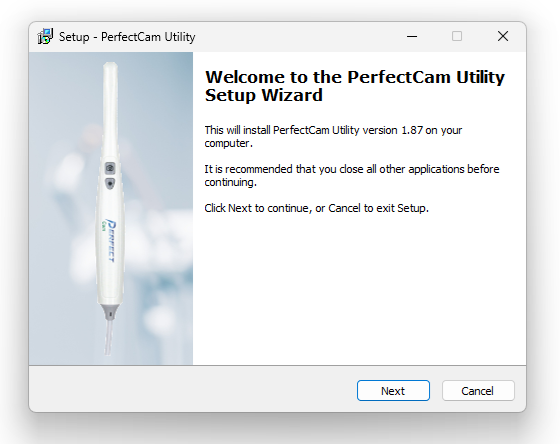
1. Install the PerfectCam Utility software. If you need a link for the download, it is:
https://iocsnapshot.com/PerfectCamSetup.exe
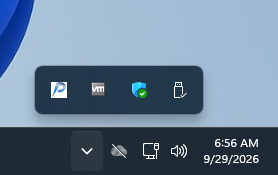
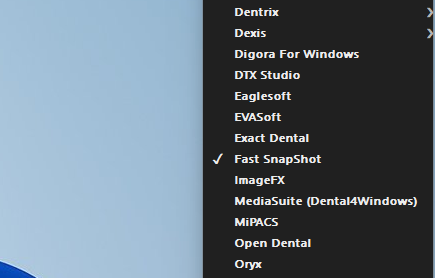
2. After the installation, you will see the PerfectCam icon in your system tray. Right-click it and select Fast SnapShot.
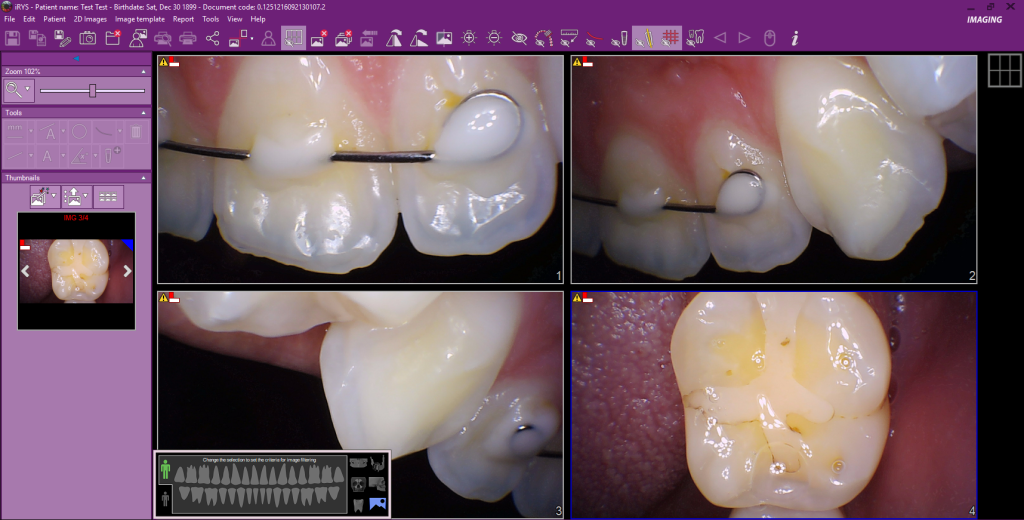
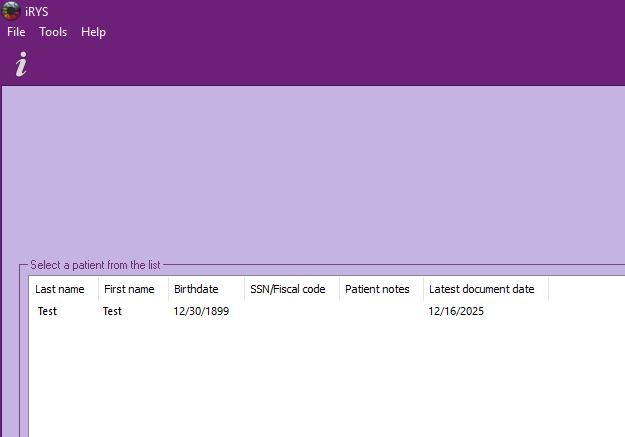
3. Open iRYS and select a patient.
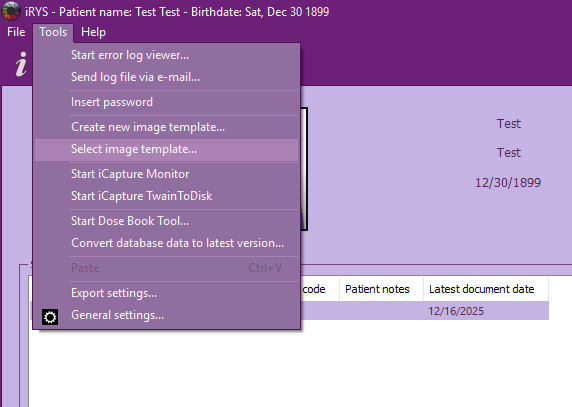
Then click on Tools and click on Select image Template…
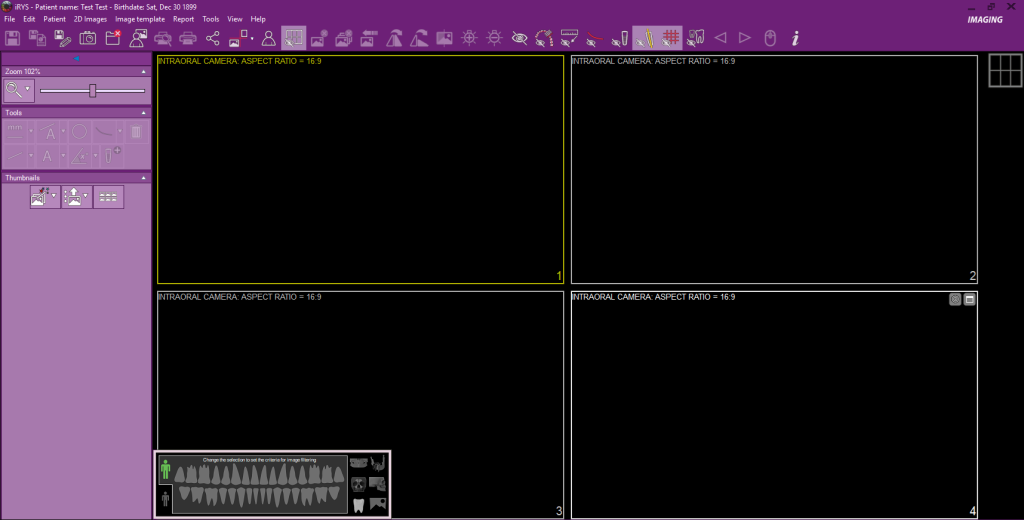
Select a Template from the list. Be sure you choose one that is 16:9 ratio. Then click the Load button.
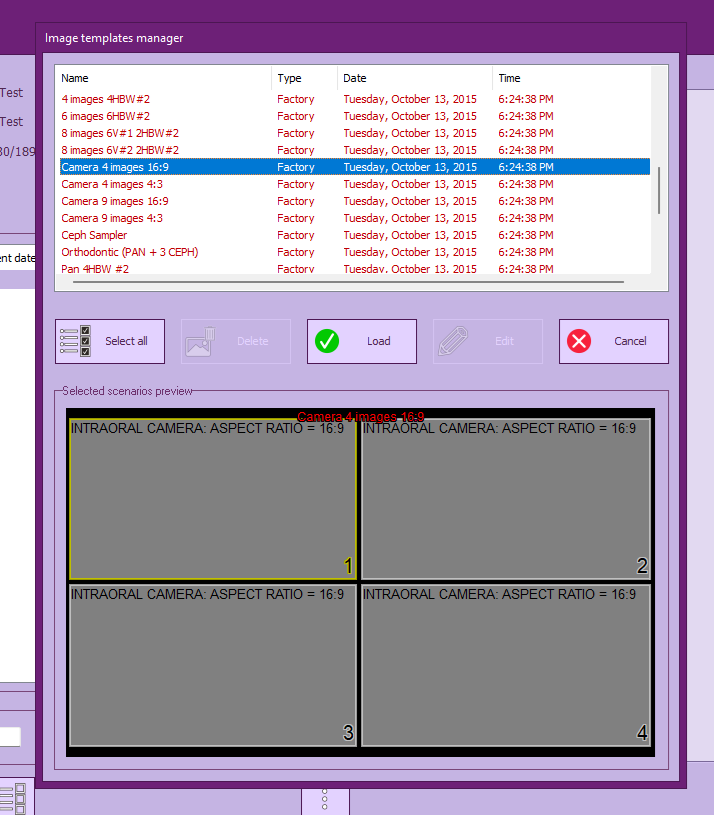
4. You will now be inside of the Image Template ready to take photos.
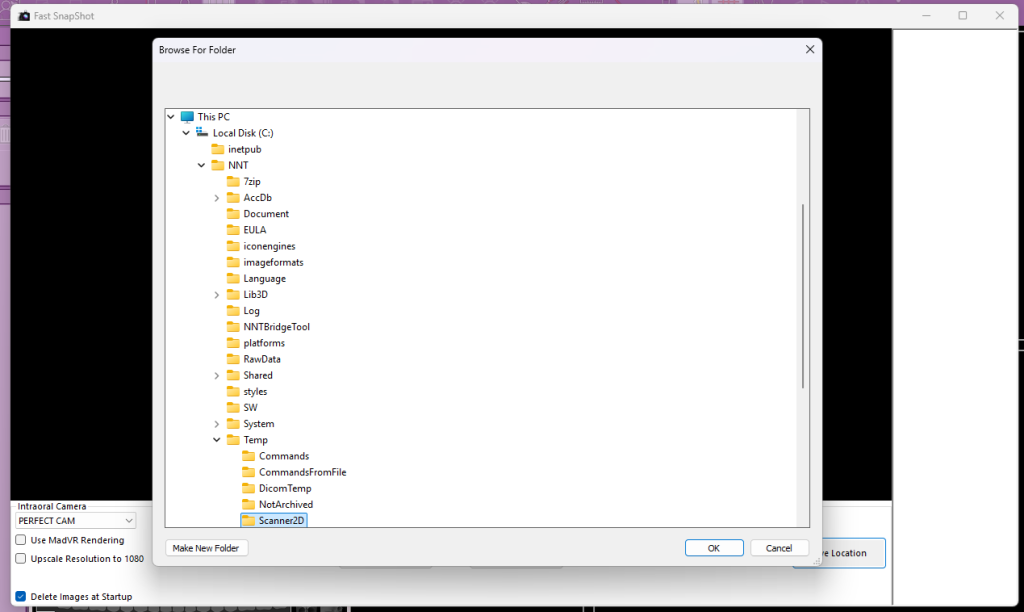
5. Grab the PerfectCam Camera and click the capture button on the camera to launch Fast SnapShot. It will ask you where you want to save pictures, select C:\NTT\Temp\Scanner2D and click OK.
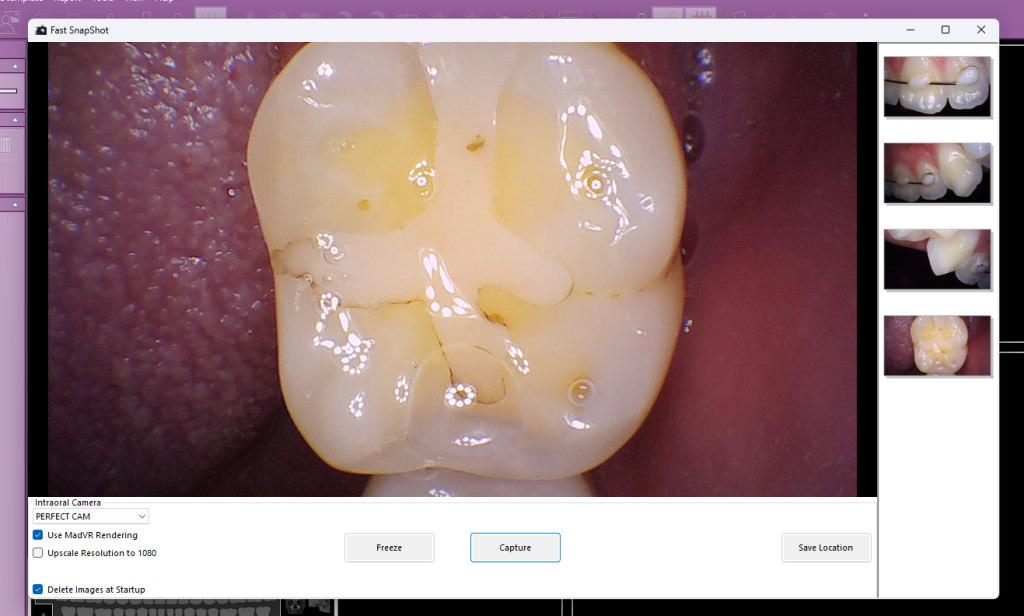
6. Start taking photos with the camera’s capture button and when finished close Fast SnapShot.
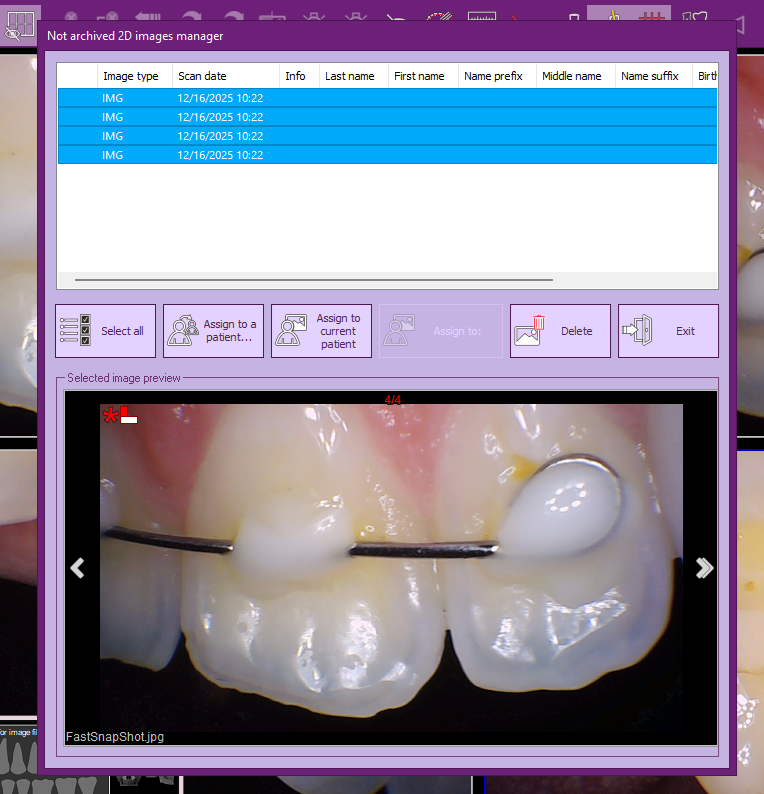
7. Assign the image to the current patient. All done!