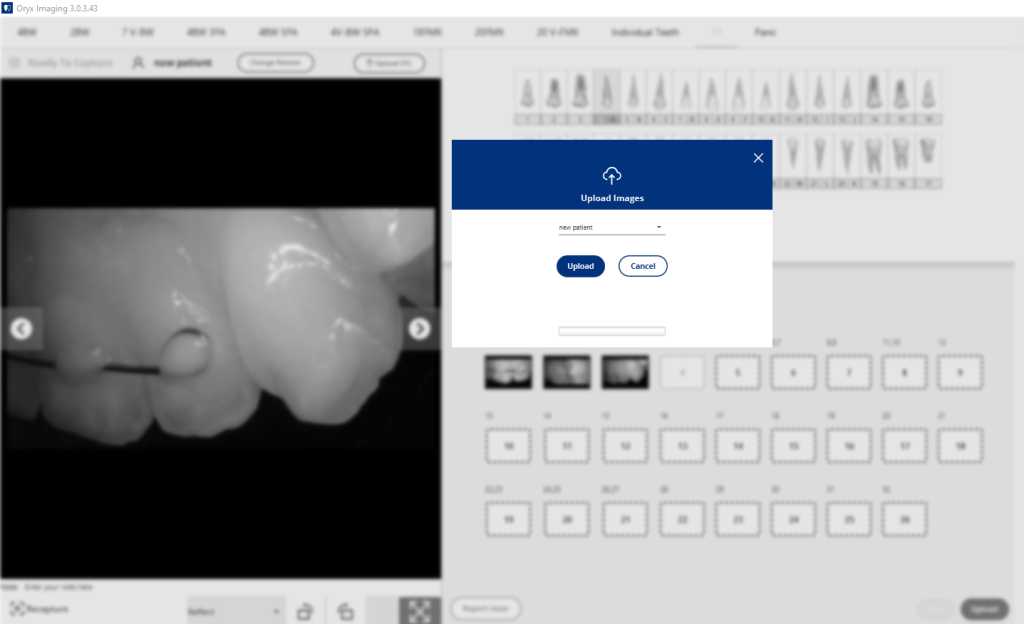
Perfect Cam Manual for Oryx Imaging
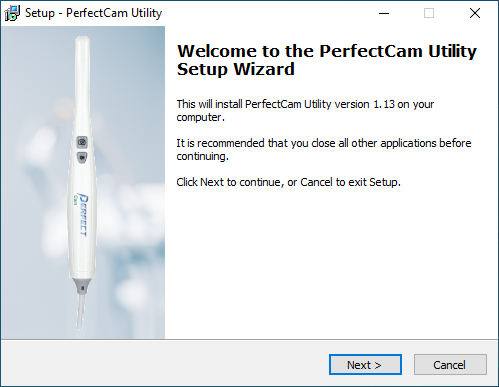
1. Install the PerfectCam Utility software. If you need a link for the download, it is:
https://iocsnapshot.com/PerfectCamSetup.exe
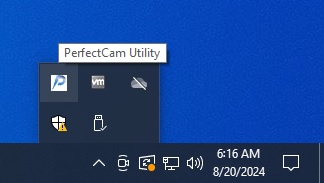
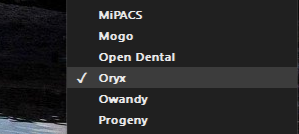
2. After the installation, you will see the PerfectCam icon in your system tray. Right-click it and select Oryx.
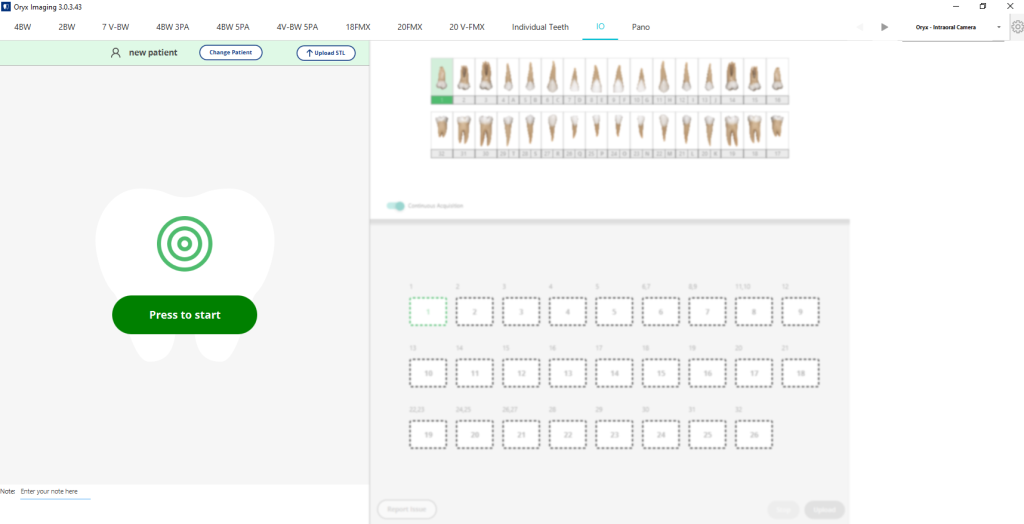
3. Open Oryx Imaging with a patient and make sure Oryx – Intraoral Camera is selected at the top right, then click Press to start.
4. Be sure PERFECT CAM Virtual Camera is selected and use the camera’s capture button to take pictures. When finished click Stop and Upload.
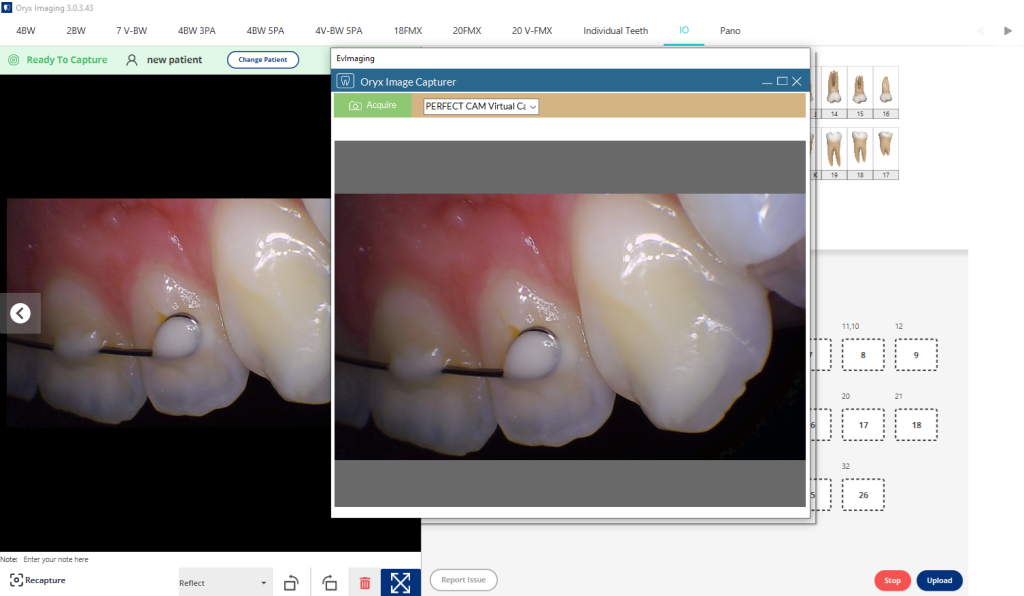
5. When finished be sure to upload the images.