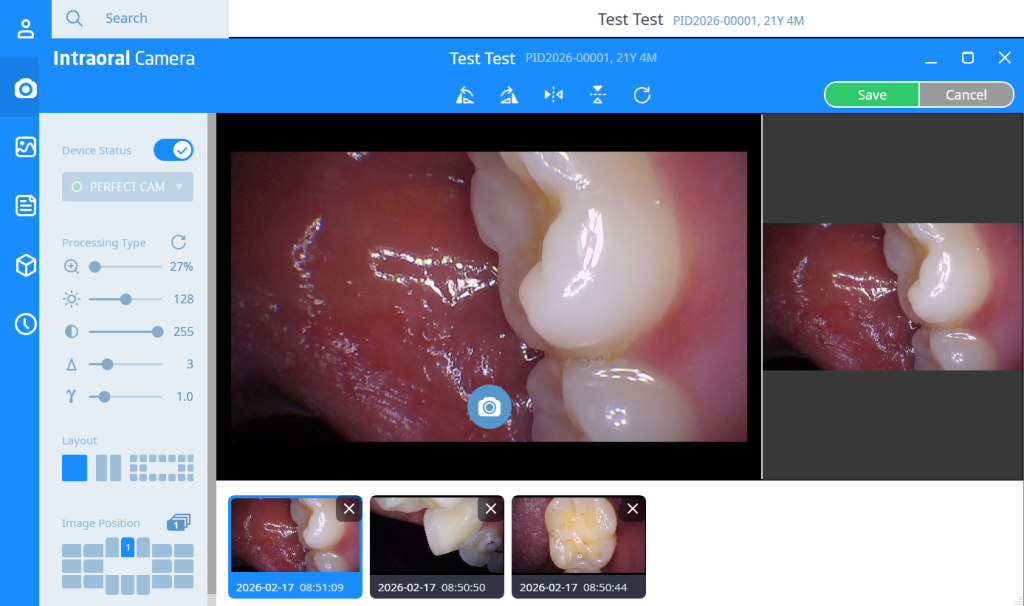
Perfect Cam Manual for Rayscan SMARTDent
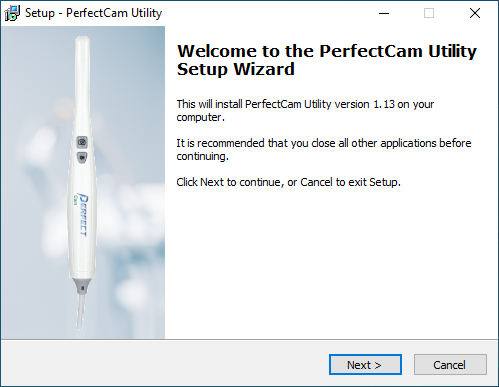
1. Install the PerfectCam Utility software. If you need a link for the download, it is:
https://iocsnapshot.com/PerfectCamSetup.exe
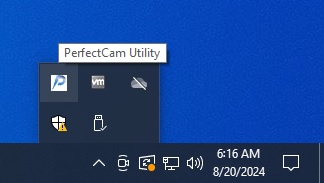
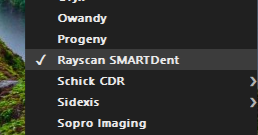
2. After the installation, you will see the PerfectCam icon in your system tray. Right-click it and select Rayscan SMARTDent.
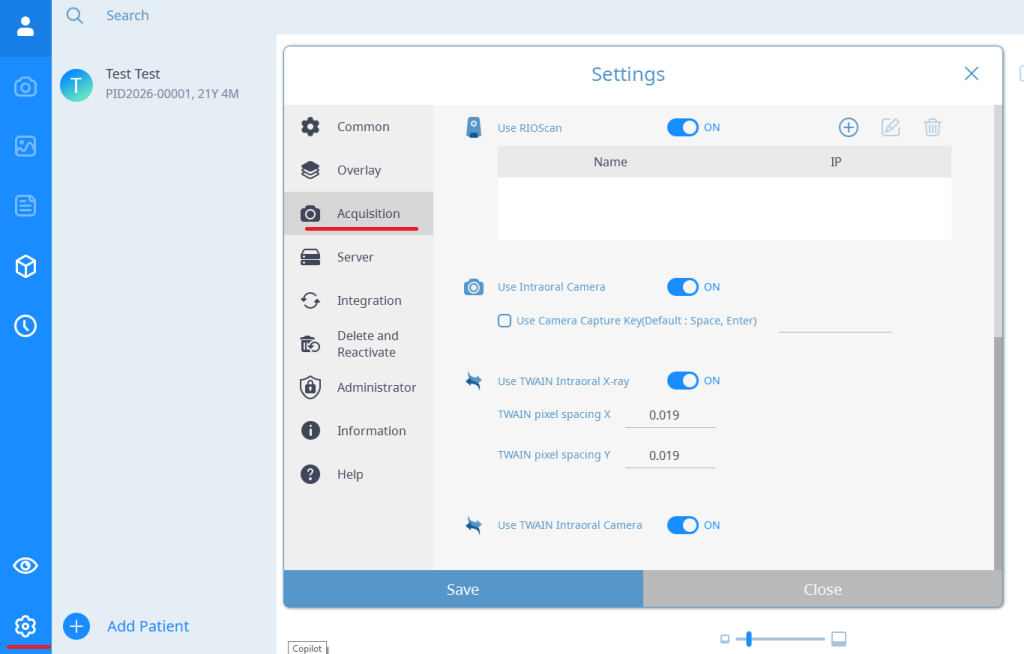
3. Open Smartdent and go to Settings and then Acquisition and make sure Intraoral Camera is enabled. Click Save.
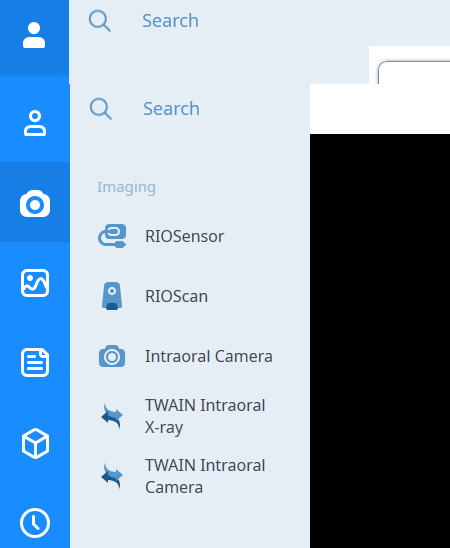
4. Open a Patient and click Acquisition and select Intraoral Camera.
5. Use the capture button on the camera to take pictures, and when finished click Save.